
Your CSV Import Is a Deployment
You'd never push untested code to production. But you'll upload 40,000 rows without blinking.
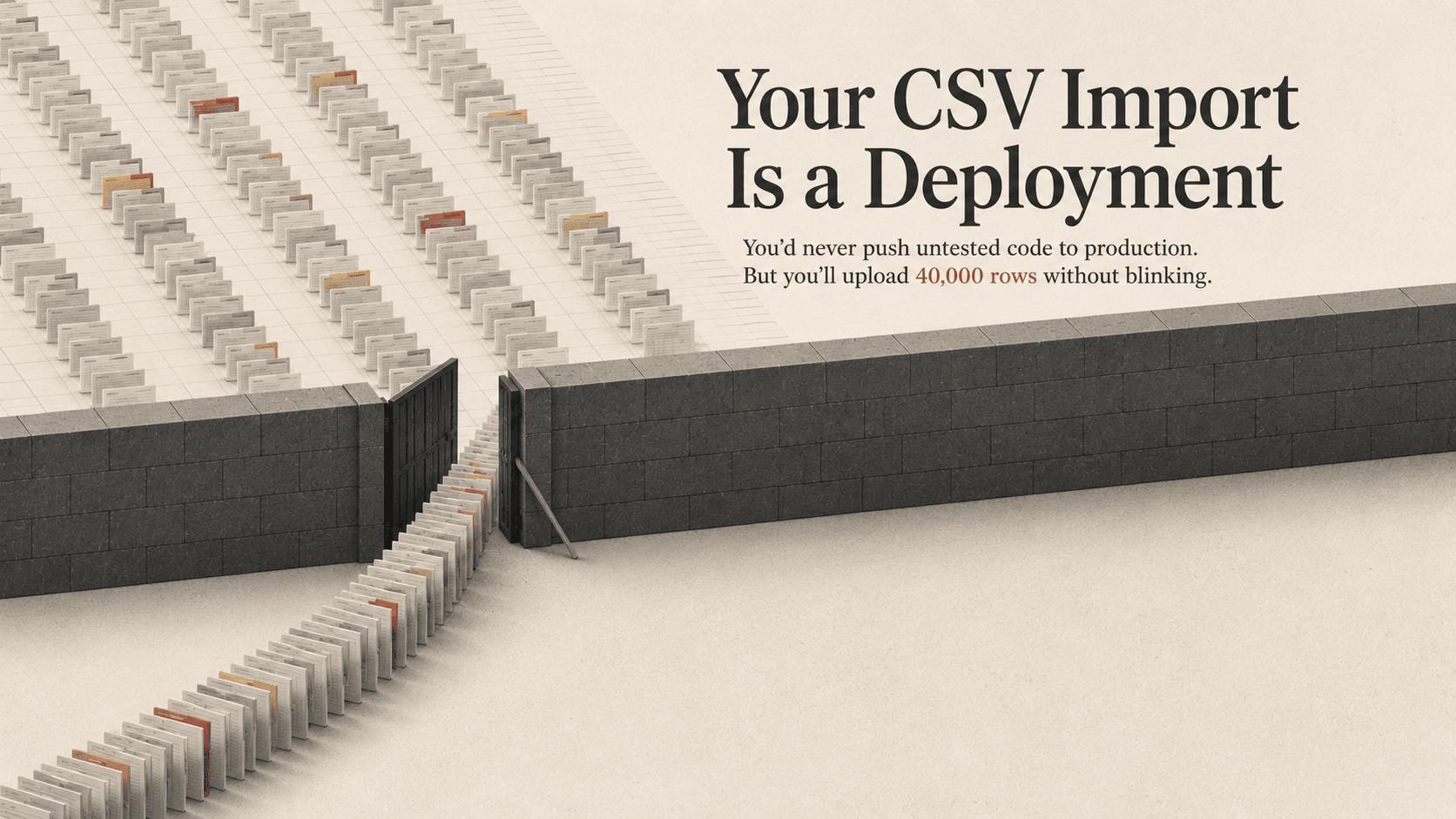
Your CSV Import Is a Deployment
You'd never push untested code to production.
But you'll upload 40,000 rows without blinking.
The Double Standard
Every NetSuite team has deployment rules for code.
Scripts move through SDF projects. Changes hit sandbox before production. Someone reviews the deployment before it goes live.
Then someone in operations receives a spreadsheet from a vendor.
Finance needs to update 12,000 customer records before close. Purchasing needs to mass-update item costs. Someone exports data to Excel, modifies it locally, and heads straight for CSV Import.
What happens next?
- Select the file
- Map the fields
- Hit submit
- Hope
No validation process. No rollback file. No second review.
Maybe NetSuite logs the job. Maybe there are system notes afterward.
That is not the same thing as knowing:
- what changed,
- why it changed,
- who approved it,
- or how to put it back.
That's not an upload.
That's an unreviewed deployment against production data.
A Bad Import Fails Quiet
Bad code usually fails loud.
A page breaks. A script throws an error. An integration stops processing. Someone notices.
Bad imports fail differently.
They overwrite thousands of records with stale data. They blank fields that previously had values. They create duplicates that don't surface for weeks. They quietly alter statuses that downstream systems trust.
And because ERP systems run on state, those changes immediately ripple outward.
Saved searches change. Workflows fire. Approvals reroute. Integrations sync bad data into other systems. Reports start drifting from reality.
Nothing crashes.
The system still looks clean.
That's what makes it dangerous.
Most import incidents are not discovered during the import itself. They're discovered days later during reconciliation, fulfillment, reporting, or month-end close.
By then:
- the original file is gone,
- nobody remembers the exact mapping,
- and the person who ran the import is reconstructing a production event from memory and system notes.
State Is Behavior
The phrase "it's just data" is what allows this problem to survive.
In ERP systems, data changes are behavioral changes.
A single field update can:
- trigger workflows,
- send emails,
- bypass approvals,
- alter fulfillment logic,
- change reporting outputs,
- or propagate to third-party integrations.
Changing 10,000 production records is not inherently safer than deploying 10 lines of code.
In many cases, it's riskier.
At least bad code usually leaves a stack trace.
Bad data often becomes accepted truth.
What Mature Teams Do Differently
The organizations that avoid catastrophic import incidents usually adopt one mindset shift:
Production imports are controlled changes.
Not admin errands.
That changes the process immediately.
Validate Against Current Reality
"The template worked six months ago" is not validation.
Schemas drift. Customizations change. Workflows evolve. Required fields appear.
Every production-bound import should be validated against the current environment, not historical assumptions.
Review the Actual Data
Most teams review mappings.
Very few review the values.
That's backward.
A second person should review:
- blanks,
- duplicates,
- unexpected status values,
- formatting issues,
- and suspicious row counts
before the file touches production.
Know the Rollback Before the Import
If you cannot answer:
"How do we undo this?"
then the import is not ready.
Export the current state of affected records first. Timestamp it. Store it somewhere controlled.
Rollback planning is not paranoia. It's operational maturity.
Reduce the Blast Radius
If your first batch is 40,000 rows, you already skipped the safety step.
Run smaller batches first. Validate outcomes. Check downstream effects. Then continue.
That is dramatically faster than cleaning up silent corruption at scale.
The Ownership Problem
The reason imports become dangerous isn't usually recklessness.
It's lack of ownership.
Engineering changes typically have:
- repositories,
- review processes,
- deployment pipelines,
- audit history,
- and defined accountability.
Imports often have:
- a spreadsheet,
- local Downloads,
- and institutional memory.
That's the gap.
Mature organizations close it by treating imports as operational deployments:
- restrict who can run production imports,
- audit access regularly,
- standardize where import files live,
- use reviewed saved templates,
- and require approval before production execution.
This does not start with tooling.
It starts with a rule:
Production data changes deserve production-level controls.
Bottom Line
If your CSV touches production, it's a deployment.
No sandbox validation? That's deploying without QA.
No rollback plan? That's deploying without a revert strategy.
No audit trail? That's changing production with no accountability.
Organizations would never allow someone to push unreviewed code directly into production from their laptop.
They should stop allowing it with spreadsheets too.
Dealing with this in your own NetSuite account?
We fix exactly these problems in production. Run a free read-only health scan, or talk to a senior NetSuite consultant who has seen it before.

Written by Mike Pagani, founder of Adaptive Solutions Group — a NetSuite consultancy based in Pittsburgh, PA. Mike has been building SuiteScript automations, integrations, and NetSuite rescue projects since 2013.